Hover anywhere to compare to schedule
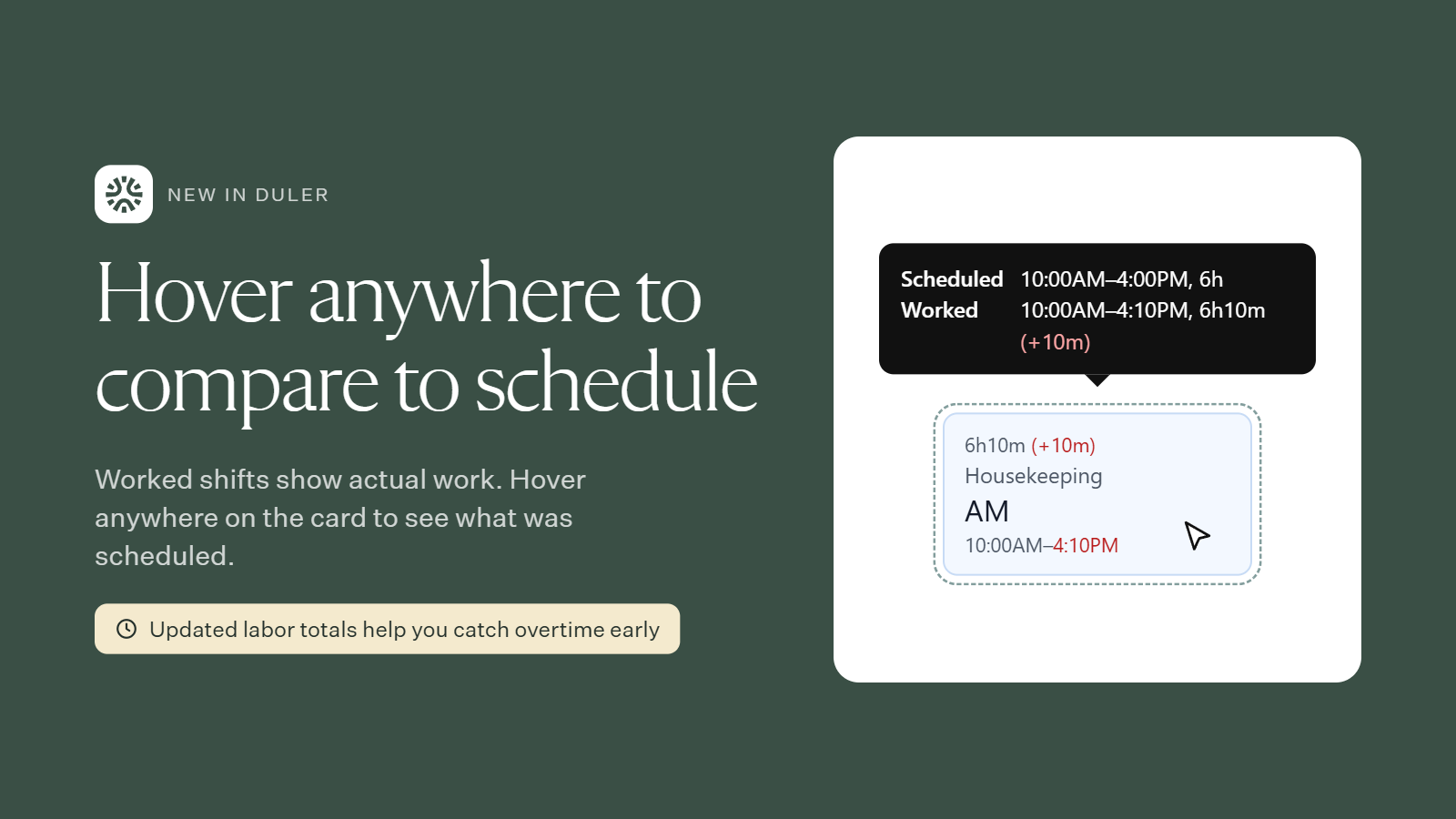
Worked shift cards show actual work by default: clock-in, clock-out and total time worked, with any difference highlighted (for example, 6h10m (+10m)).
Now you can hover anywhere on a blue worked shift card to see the scheduled time next to the worked time. Before, this only worked when you hovered over the hours.
Stay ahead of overtime
Labor hour totals update as shifts are worked. A few extra minutes on several shifts can add up, so you can spot overages early and adjust upcoming shifts before they push someone into unexpected overtime.
Questions? Reach out to your Duler contact anytime.