See unpublished changes before you publish
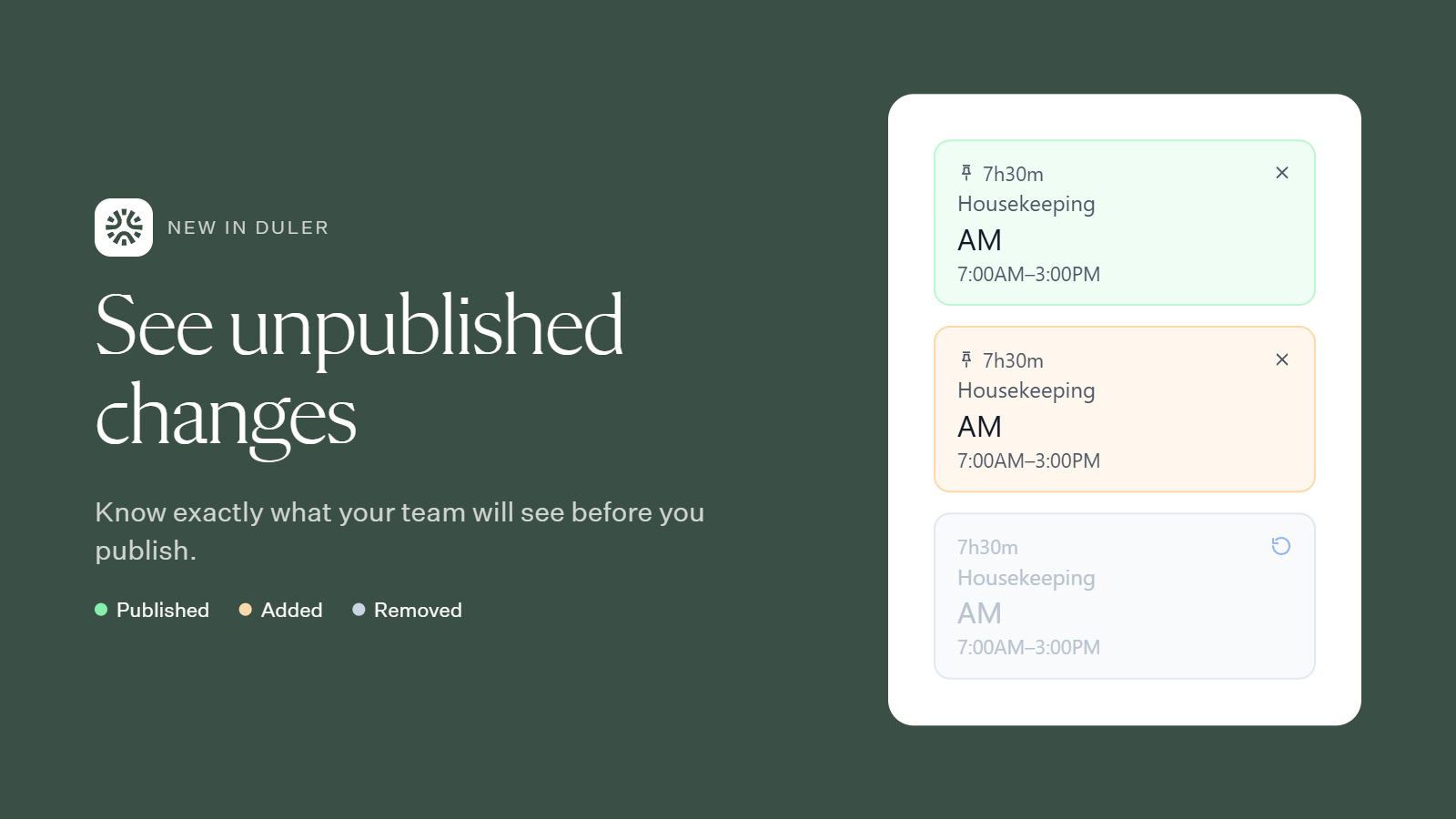
The schedule now shows every change you’ve made since your last publish. You can see exactly what your team will see before you hit Publish.
What the colors mean
🟩 Green – Published: Live on the schedule your team sees now.
🟧 Orange – Added: A new shift that isn’t published yet. Your team won’t see it until you publish.
⬜ Grey – Removed: A published shift you’ve deleted. It stays live until you publish. Click the undo icon to restore it.
When you’re ready, publish. Added shifts go live, removed shifts drop off, and everything turns green.
Questions? Reach out to your Duler contact anytime.