Give every department its own icon and color
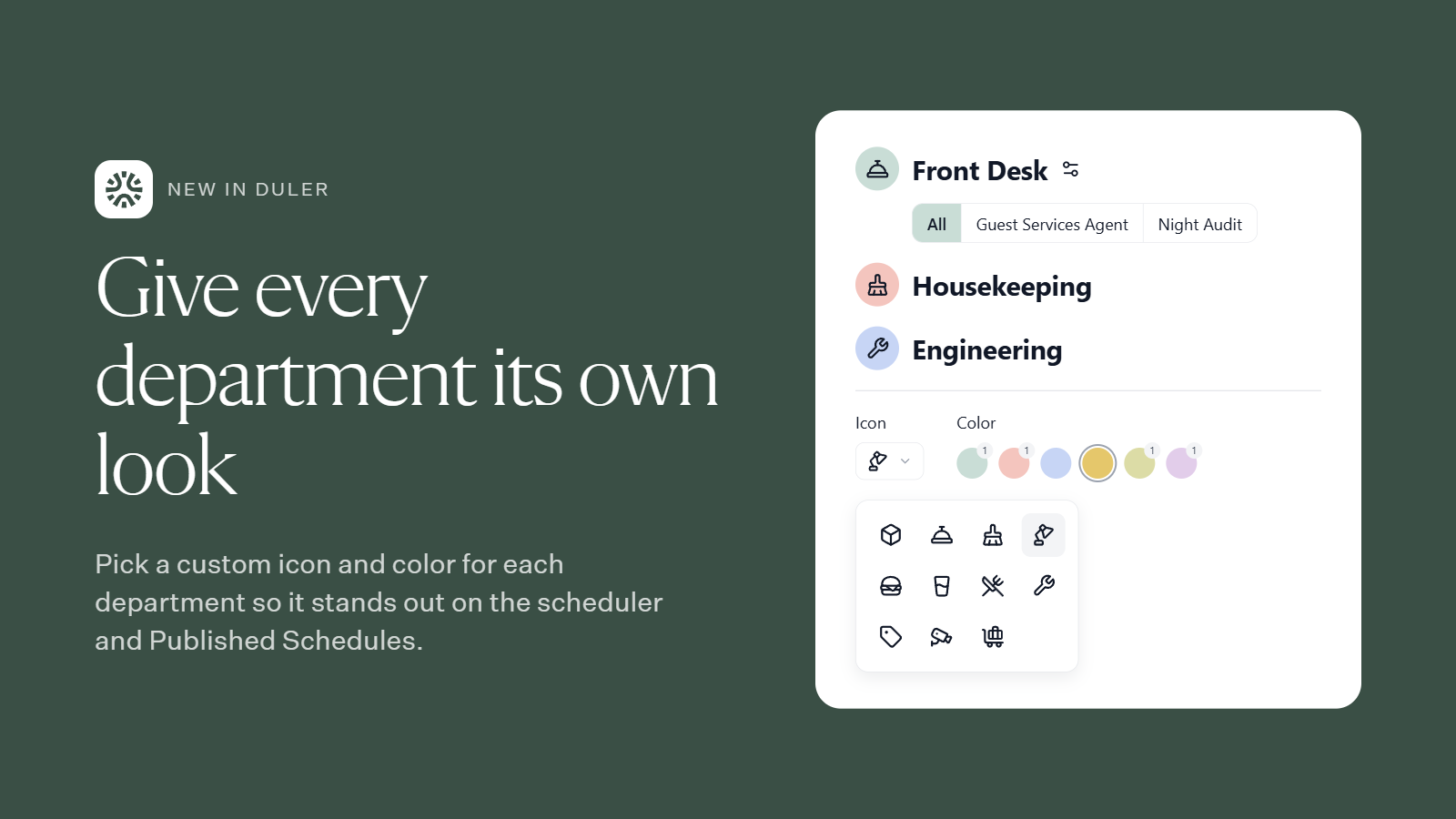
You can now pick a custom icon and color for each department. That makes it easier for managers and Team Members to tell departments apart at a glance.
Where you’ll see it
Scheduler: each department’s icon and color appear in its header, so you can quickly find the team you’re scheduling.
Published Schedules: Team Members can spot their department and tell it apart from others.
How to set it up
On the left side menu or in the Scheduler, locate the department you wish to customize and select the settings icon. Once open, navigate to settings, click edit, and select your icon and color!
Questions? Reach out to your Duler contact anytime.